Schools & Colleges
Water visibility across your campus.
Monitor tanks serving teaching buildings, shared facilities and campus services. WaterGauge gives the maintenance team named tank readings and compatible filling-pump controls in the app.
 Schools & Colleges
Tank readings, linked pump controls
and available usage reports.
A smarter way to manage
your water storage.
Practical visibility and controls for schools & colleges.
View tanks by building
Identify monitored tanks by academic block or service area.
Check levels during rounds
Use readings and update times in everyday maintenance reviews.
Manage filling pumps
Operate compatible linked controllers with tested Manual and Auto settings.
Follow usage trends
Review available tank-level-based graphs and exports.
The right devices.
Working together.
Choose tank monitoring, then add compatible pump control where you need it.
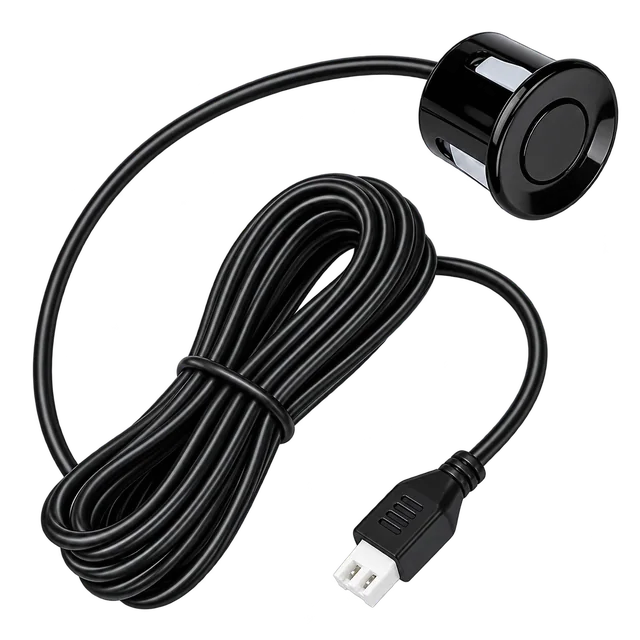 Water Level Sensor
Measure the tank
The tank sensor measures the stored-water level and connects to the Level Manager.
View product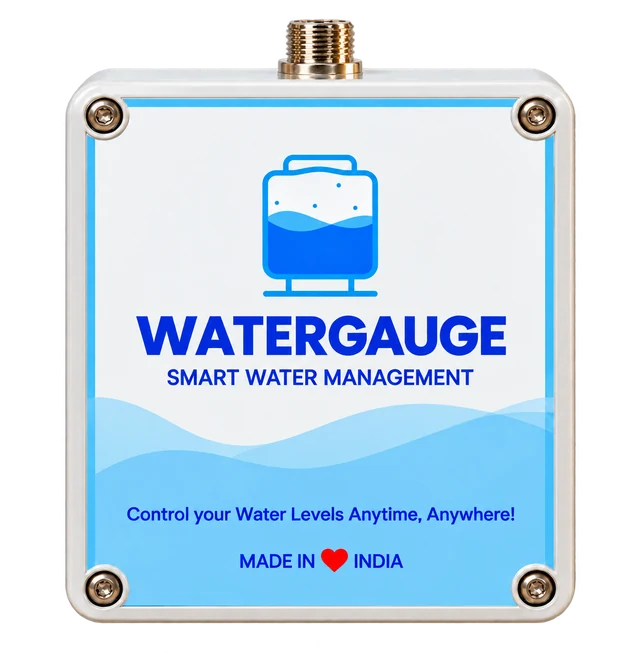 Level Manager
Bring readings to the app
The Level Manager reports tank readings through its supported GSM or Wi-Fi connection.
View product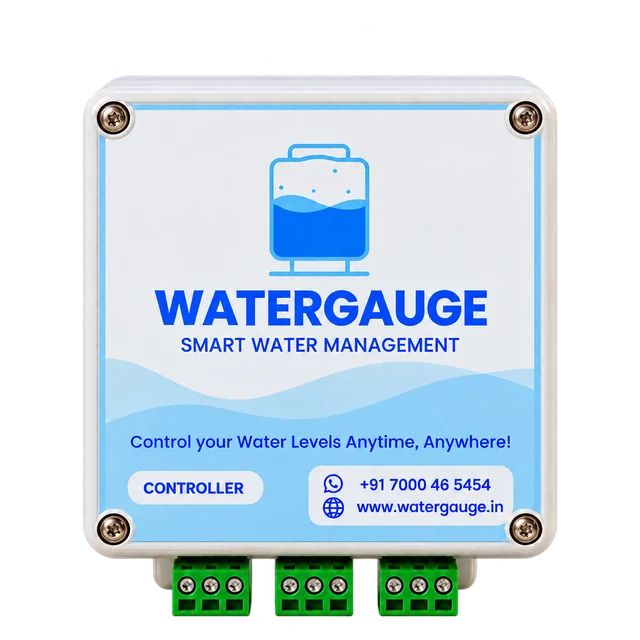 Motor Controller
Operate the filling pump
A compatible, linked Pump Controller switches the filling motor through its starter.
View product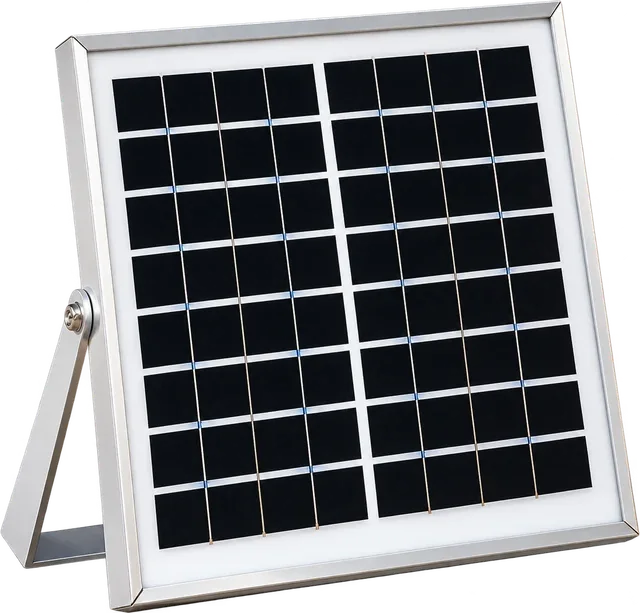 Solar Panel
Power tank-side monitoring
The solar panel supplies the Level Manager. The Pump Controller uses its own AC supply.
View product
The tank sensor and Level Manager provide readings. Automatic pump operation also needs a compatible Pump Controller, correct tank settings and a tested starter connection.
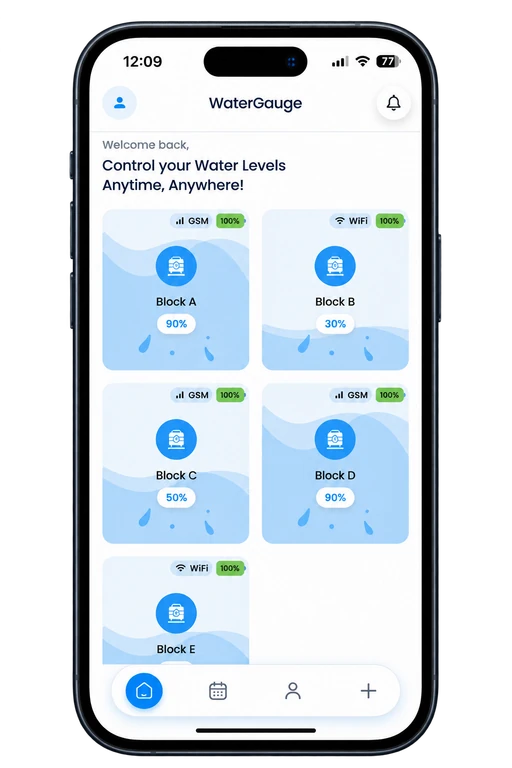
Your site, in one
organised view.
Open a tank card to see its level, last reading and linked controller. Use the guide to follow setup and controls screen by screen.
- Name tanks after the buildings they serve.
- Review readings and low/full notifications during routine checks.
- Keep pump links and tank dimensions correct for reporting and control.
Available controls and reports depend on the installed hardware, connection and account plan. Usage reports are estimates from tank-level changes.
Start with the details
of your site.
Share these details so the WaterGauge team can confirm suitable devices, connection options and installation requirements for schools & colleges.
Get a site-specific quote- 01
Campus storage
Buildings, tank count and actual tank heights/capacities.
- 02
Pump layout
Filling-pump mapping and the starter type for each connection.
- 03
Installation access
Safe access to tanks and a suitable Level Manager location.
- 04
Operating team
Who checks alerts, runs tests and manages the app.
Clarity before
you get started.
Answers for schools & colleges and the equipment that connects your tanks and pumps.
Talk to our teamDo we need a separate model for every campus building?
Select equipment for each tank and compatible pump arrangement, rather than the building name. Share the campus layout so the team can confirm device quantities and suitable models.
Do I need both a Level Manager and a Pump Controller?
For tank readings, use the sensor and Level Manager. Pump switching requires a separately installed, compatible Pump Controller linked to that tank.
Which phones and connections are supported?
The WaterGauge app is available on Android and iOS. Device connectivity uses GSM or Wi-Fi on supported models; Wi-Fi setup uses a 2.4 GHz network. Confirm the connection option for your supplied hardware.
What information is needed for a quote?
Share your tank count and dimensions, pump/starter details, site location and available network. The team will confirm equipment and installation requirements for your setup.



Let’s plan your WaterGauge setup.
Tell us about your schools & colleges site. We’ll help you choose the next step.