Solar Panel / Solar Power
Power tank monitoring with sunlight.
The solar panel powers the WaterGauge Level Manager near your tank. Place it in direct sunlight, secure the installation and verify that the Level Manager starts and reports readings.
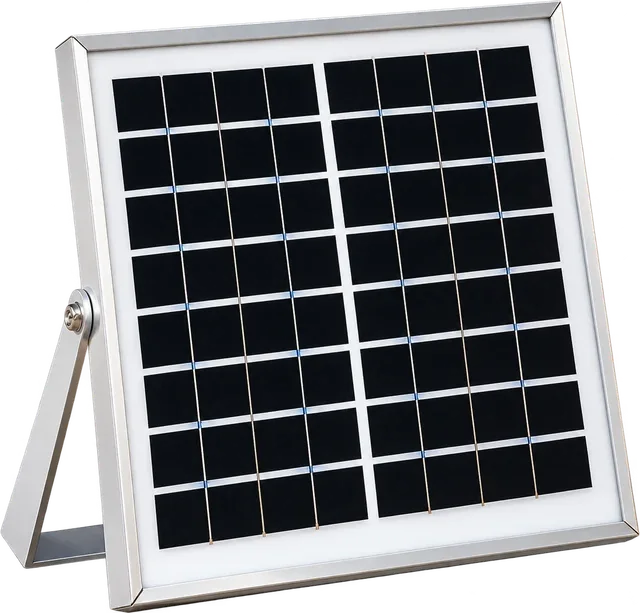
- PowersLevel Manager
- PlacementDirect sunlight
- Connects toTank-side monitoring device
Solar power for your tank-side system.
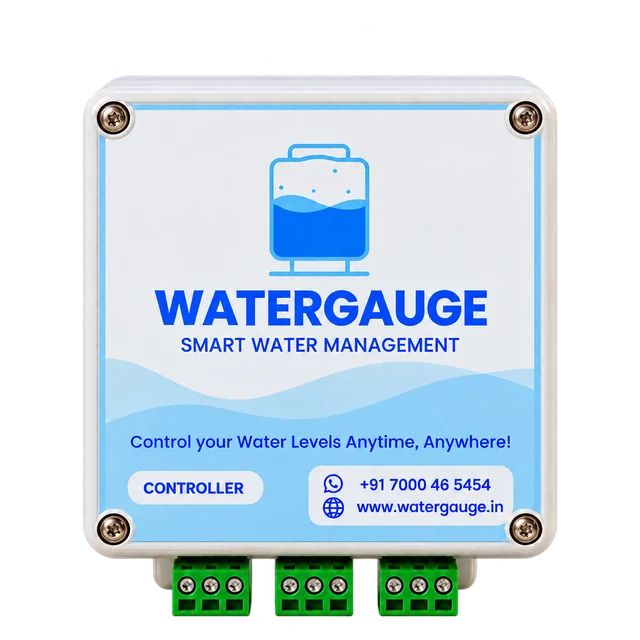
Solar-powered Level Manager
The panel supplies the Level Manager used for tank monitoring.
Site-ready placement
Choose a mounting location that receives direct sunlight.
Connected as a system
Confirm the panel, connectors and mounting parts against your order.
Verified tank monitoring
After connecting power, check device status and the water reading in the app.
Choose the site. Connect. Check.
The solar panel powers the Level Manager. The Pump Controller is a separate AC-powered device; this panel is not described as powering the pump.
View the app guide- 01
Check your kit
Confirm the Level Manager, solar panel, cables, connectors and included brackets against the packing list.
- 02
Choose direct sunlight
Place the panel where it receives direct sunlight. Confirm the mounting surface and suitable fixing tools.
- 03
Connect the Level Manager
Use the supplied model-compatible connection and check that the Level Manager turns on.
- 04
Confirm the app reading
Add the Level Manager, check its connection and verify that tank-level readings are updating.
Find the right fit
for your setup.
Ask support for panel wattage, battery options and backup details for your specific kit.
Ask about your model- Intended use
- Power for the Level Manager
- Installation position
- Direct sunlight near the tank-side system
- Connections
- Confirm the supplied model and connectors
- Mounting parts
- Check the order and packing list
- Startup check
- Device status light or display, if fitted
- Monitoring check
- Updated tank readings in the app
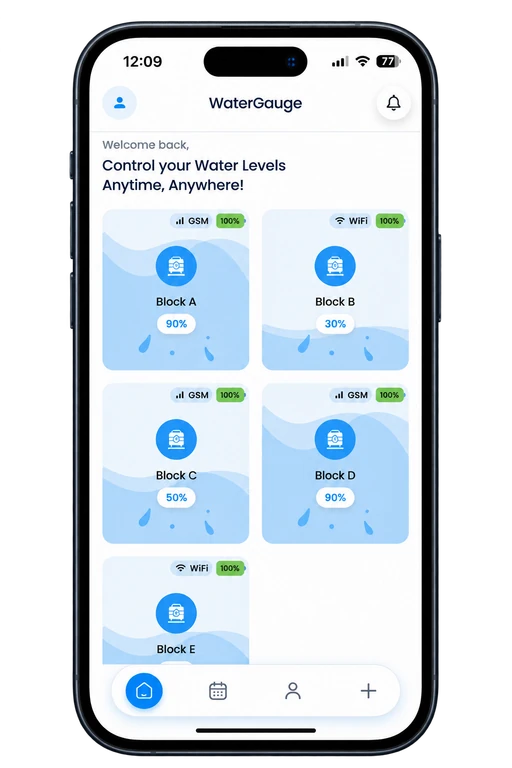
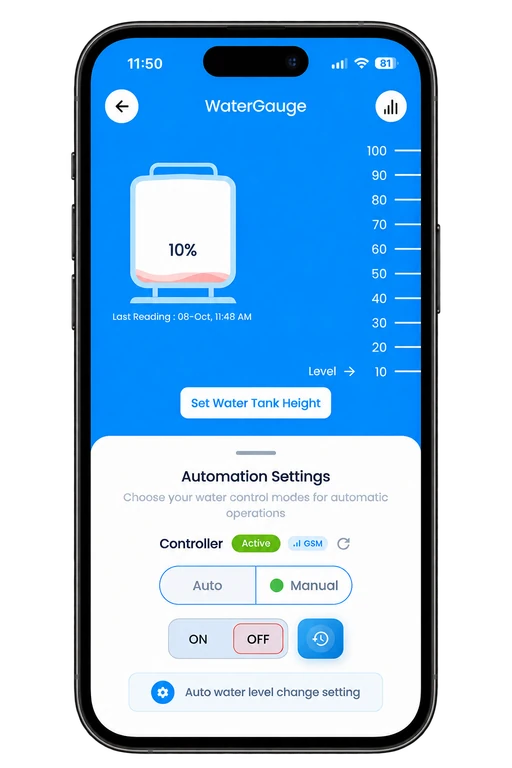
Power connected monitoring at the tank.
Once the Level Manager is powered and paired, use Home and Tank Details to check the water level, last reading and available device indicators.
- Check tank status from your phone
- Review the Last Reading timestamp
- Ask support about the supplied kit specifications
A little clarity.
A smarter start.
Need help choosing or setting up your device? Talk to the WaterGauge team.
Call +91 70004 65454Does this panel power the water pump?
The manual describes solar power for the Level Manager. The Pump Controller uses AC power and connects to the motor starter.
Does the kit include a battery or backup?
Battery options and backup duration depend on the supplied kit. Ask support for the approved specifications of your actual model and order.
Where should the panel be installed?
Place it where it receives direct sunlight. Confirm suitable mounting parts and the panel connection with your installer.
Complete your WaterGauge setup.
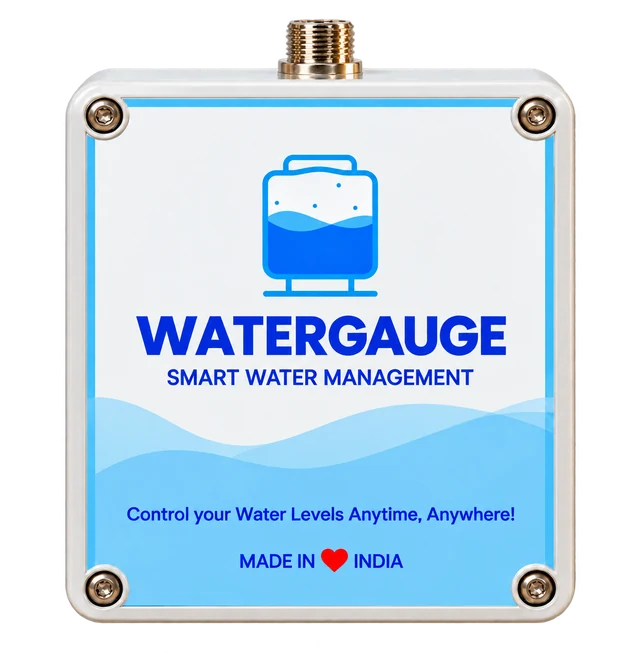
Take control of your water management.
Get help choosing the right solar panel for your site.