WaterGauge / Tank Sensor
Water Level Sensor
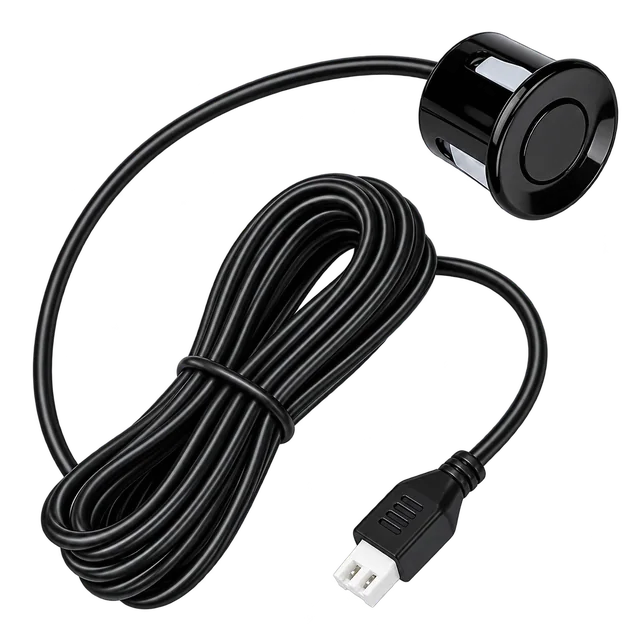
The WaterGauge sensor measures the water level and sends it to the Level Manager. A correctly positioned sensor and secure cable connection help bring tank readings into the app.
- Water-level measurement
- Correct mounting
- A secure connection
Price and availability will be confirmed for your setup.
- MeasuresTank water level
- Connects toLevel Manager via cable
- SetupConfirm sensor position
Start with a clear view of your tank.
Sensor direction and mounting depend on the supplied model. Confirm the correct position before fitting it.
Ask support for the measurement range, accuracy and protection ratings of your sensor model.
Explore product specificationsDesigned to work together.
 Tank ControllerLevel Manager
 Motor ControllerPump Controller
- Water Level SensorYou are viewing this product
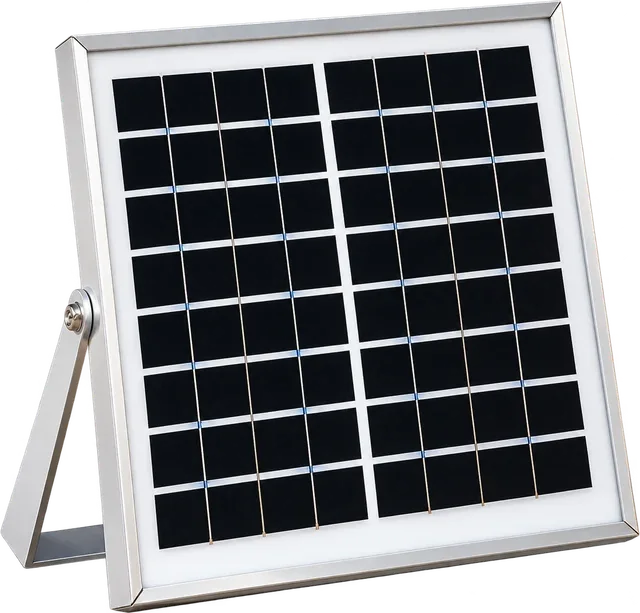 Solar PanelSolar Power
The first step in connected tank monitoring.
Water-level measurement
The sensor measures the tank level for the connected Level Manager.
Correct mounting
Use brackets and mounting parts suitable for the sensor supplied with your kit.
A secure connection
Fix the cable securely and protect outdoor connections from rain and water.
Readings in your app
Pair the Level Manager and confirm that the displayed level follows the tank.
Product & technical details.
Ask support for the measurement range, accuracy and protection ratings of your sensor model.
Ask about your model- Device role
- Water-level measurement
- Data connection
- Cable to the Level Manager
- Mounting
- Model-specific direction and position
- Cable and connectors
- Confirm lengths and parts against the packing list
- Tank calibration
- Actual tank height and capacity in the app
- System check
- Reading changes when the tank level changes
Position, connect and verify.
Sensor direction and mounting depend on the supplied model. Confirm the correct position before fitting it.
View the app guide- 01
Confirm the sensor model
Ask the installer to confirm the correct direction, position and mounting parts for the supplied sensor.
- 02
Keep the measuring area clear
Fit the sensor using the correct bracket or mounting parts and avoid obstructions in its measuring area.
- 03
Secure the connection
Connect the sensor cable to the Level Manager. Fix the cable and protect the connection from rain and water.
- 04
Check real tank changes
Add the Level Manager in the app, set tank dimensions and confirm readings as the water level changes.
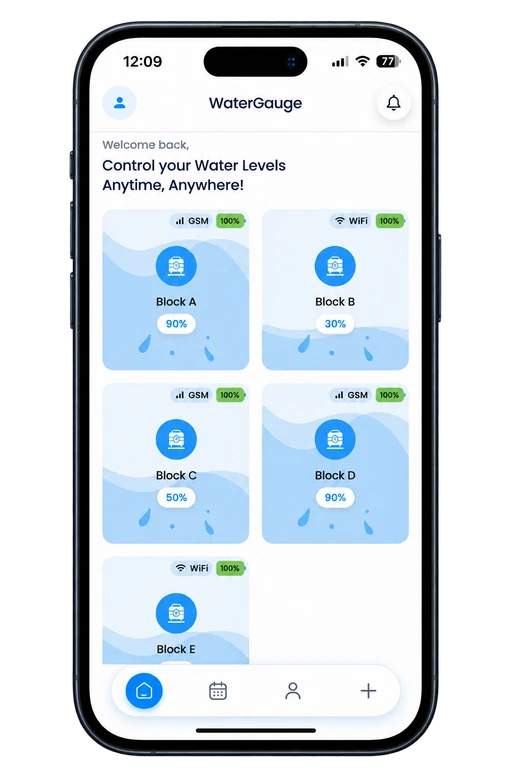
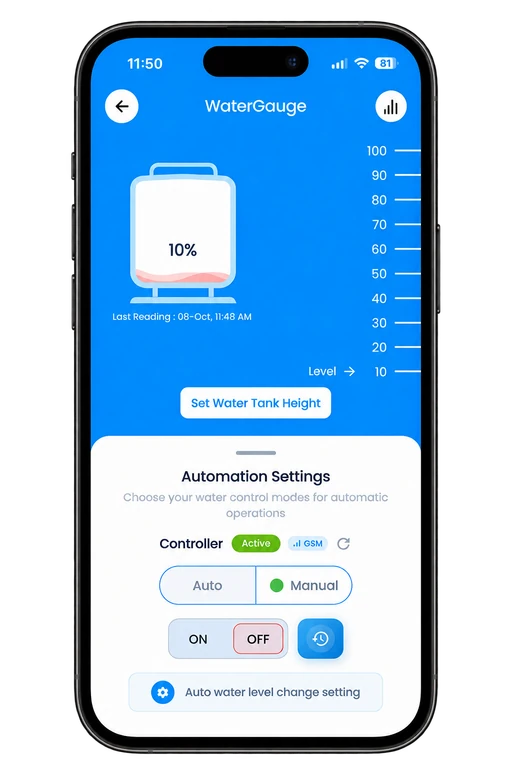
Turn tank measurements into useful information.
The connected Level Manager sends the reading to your account. Check the water percentage and Last Reading time in Tank Details.
- Check water percentage on each tank card
- Enter the actual tank dimensions
- Verify fresh readings before using automation
A little clarity.
A smarter start.
Need help choosing or setting up your device? Talk to the WaterGauge team.
Call +91 70004 65454Does the sensor connect directly to the app?
The manual describes the sensor sending measurements to the Level Manager, which sends readings to the app.
Where should the sensor be mounted?
Confirm the correct direction and position for the supplied sensor model with your installer. Keep its measuring area clear and use the suitable mounting parts.
What is its measuring range or accuracy?
Ask WaterGauge support for the approved measurement range and accuracy specifications for the sensor supplied with your kit.
Complete your WaterGauge setup.
- Level Manager
Tank Controller
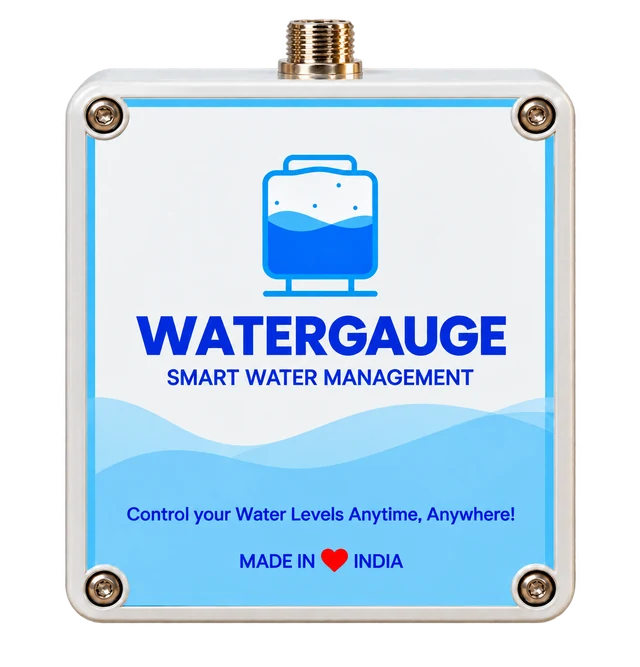
The WaterGauge Level Manager connects your tank sensor to the mobile app, so you can check readings, manage multiple tanks and stay informed from your phone.
View product - Pump Controller
Motor Controller
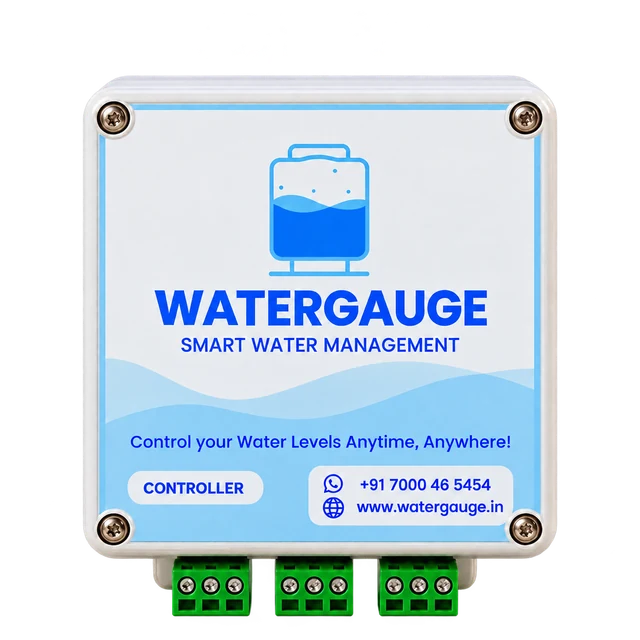
Connect WaterGauge to your motor starter and manage the pump from the app. Use Manual mode for ON/OFF commands or Auto mode with configured tank-level thresholds.
View product - Solar Power
Solar Panel
The solar panel powers the WaterGauge Level Manager near your tank. Place it in direct sunlight, secure the installation and verify that the Level Manager starts and reports readings.
View product
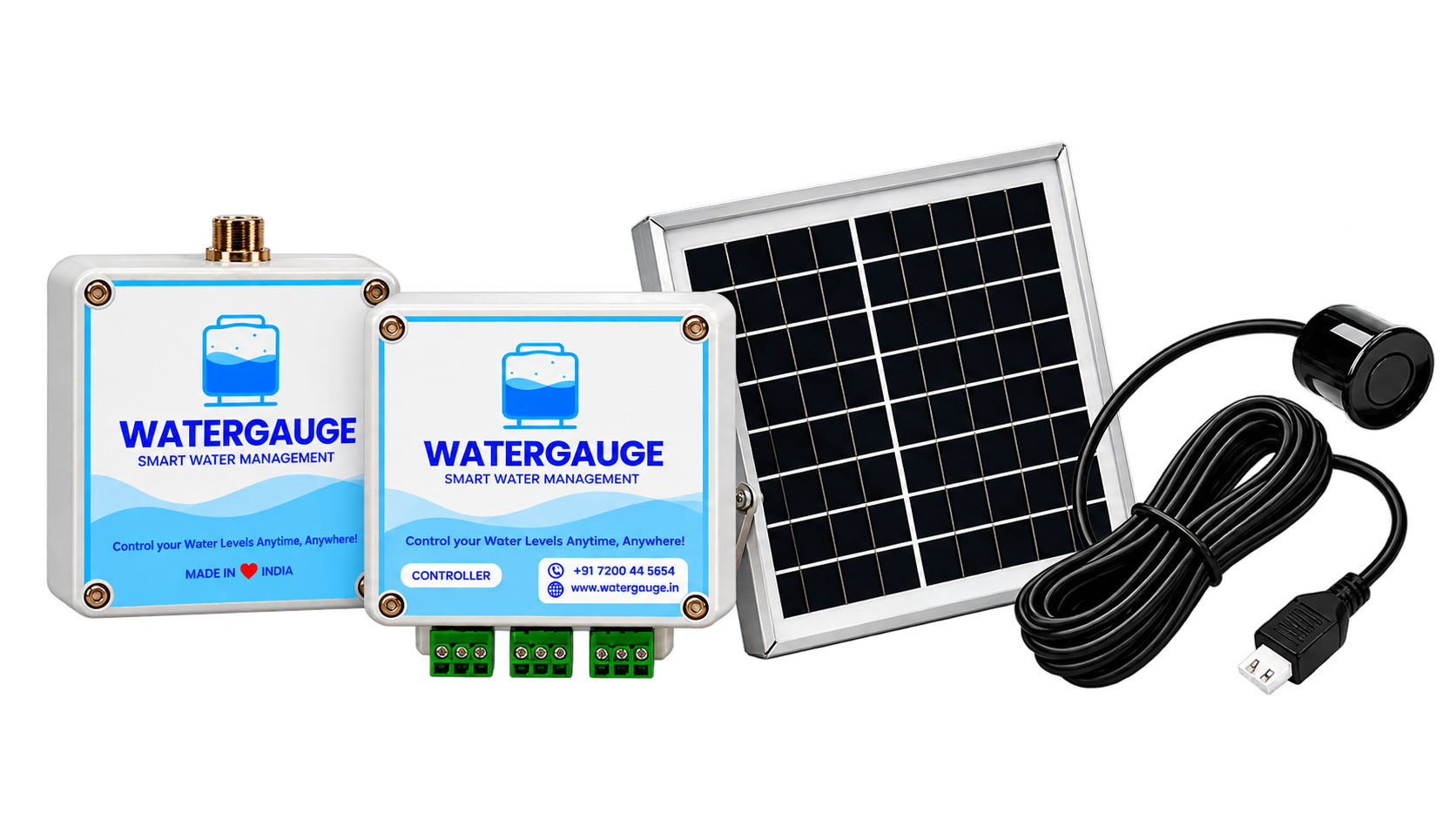
Need the complete kit?
Explore the Level Manager, Pump Controller, Solar Panel and Water Level Sensor together.
Take control of your water management.
Get help choosing the right water level sensor for your site.