Apartments & Societies
A clearer view of your community’s water.
Bring shared storage tanks and compatible filling pumps into a named, organised view. WaterGauge helps the facility team review levels, operate linked pumps and follow water-use trends.
 Apartments & Societies
Tank readings, linked pump controls
and available usage reports.
A smarter way to manage
your water storage.
Practical visibility and controls for apartments & societies.
See tanks by building
Use clear names such as Block A, Block B or Terrace to distinguish tank cards.
Plan filling around levels
Review the selected tank before operating its linked filling pump.
Follow water-use trends
Use tank-level-based graphs and reports to support routine reviews.
Check the right controller
Confirm the tank/controller link so a command reaches the intended starter.
The right devices.
Working together.
Choose tank monitoring, then add compatible pump control where you need it.
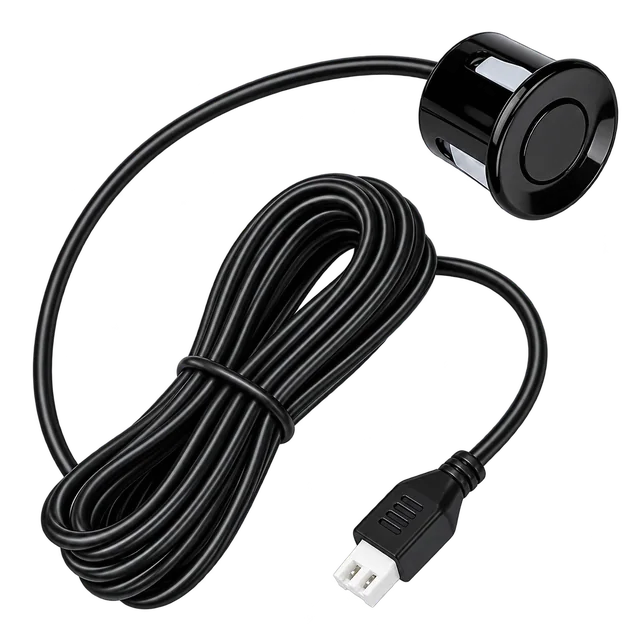 Water Level Sensor
Measure the tank
The tank sensor measures the stored-water level and connects to the Level Manager.
View product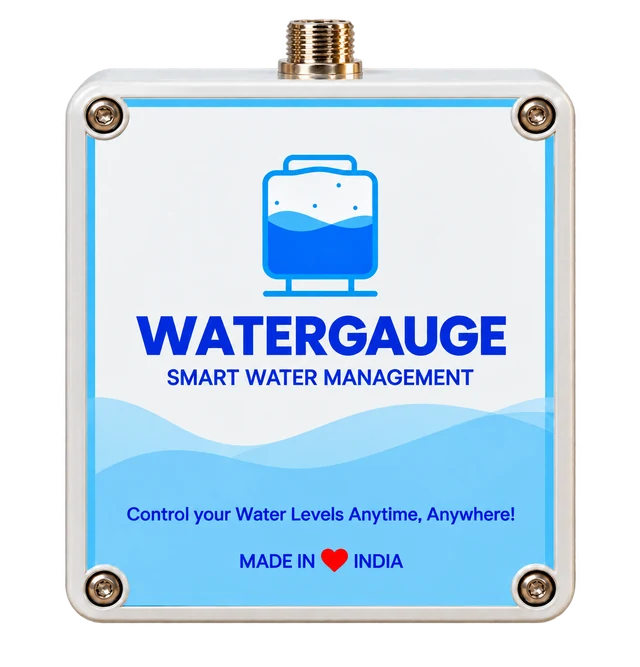 Level Manager
Bring readings to the app
The Level Manager reports tank readings through its supported GSM or Wi-Fi connection.
View product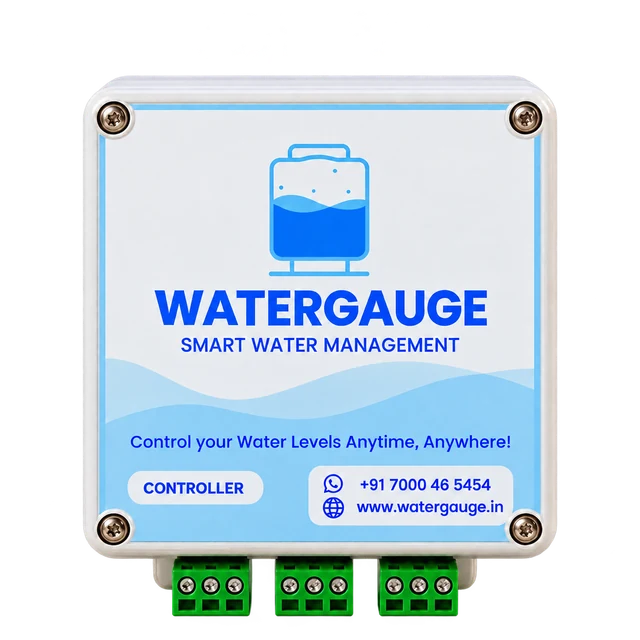 Motor Controller
Operate the filling pump
A compatible, linked Pump Controller switches the filling motor through its starter.
View product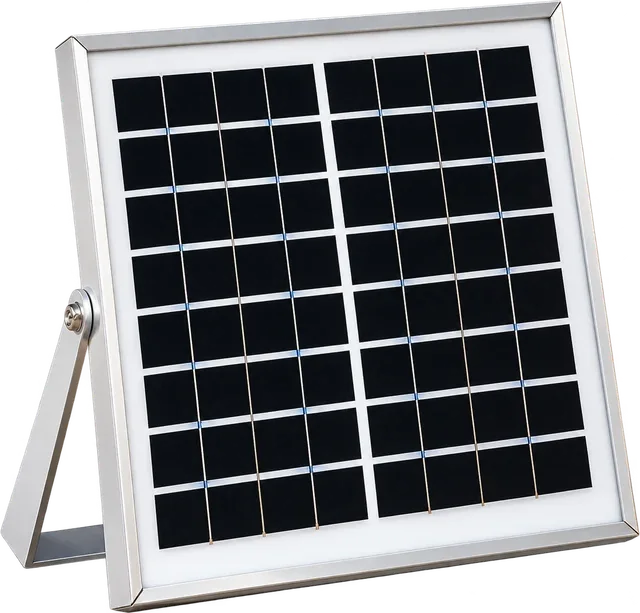 Solar Panel
Power tank-side monitoring
The solar panel supplies the Level Manager. The Pump Controller uses its own AC supply.
View product
The tank sensor and Level Manager provide readings. Automatic pump operation also needs a compatible Pump Controller, correct tank settings and a tested starter connection.
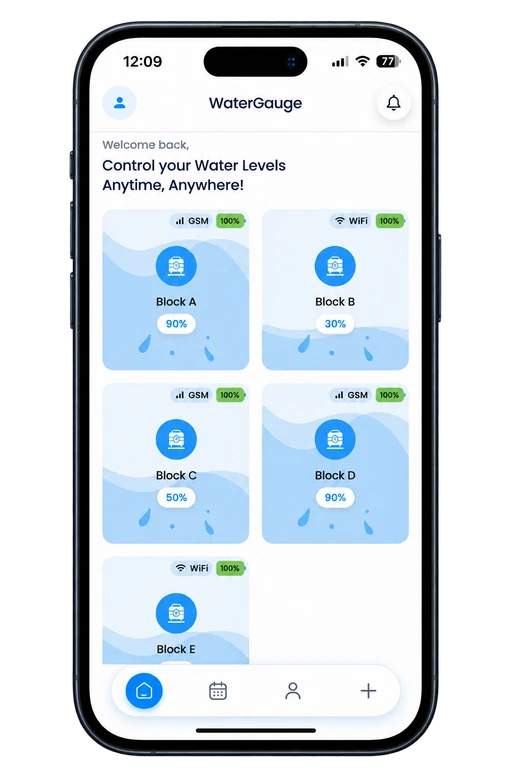
Your site, in one
organised view.
Open a tank card to see its level, last reading and linked controller. Use the guide to follow setup and controls screen by screen.
- Name tanks by block or building.
- Open each card to review the latest reading and linked controller.
- Review report periods and export available usage reports.
Available controls and reports depend on the installed hardware, connection and account plan. Usage reports are estimates from tank-level changes.
Start with the details
of your site.
Share these details so the WaterGauge team can confirm suitable devices, connection options and installation requirements for apartments & societies.
Get a site-specific quote- 01
Tank layout
Number of buildings, storage tanks and their height/capacity.
- 02
Pump layout
Which pump fills each tank and the starter type for each motor.
- 03
Site connection
Network availability near tanks and control panels.
- 04
Operating team
Who will manage the app and test each tank/controller pair.
Clarity before
you get started.
Answers for apartments & societies and the equipment that connects your tanks and pumps.
Talk to our teamCan one app show several tanks?
Yes. The guide shows multiple named tank cards. Device count, access and available features depend on your configured account and plan; share your full tank layout when requesting a quote.
Do I need both a Level Manager and a Pump Controller?
For tank readings, use the sensor and Level Manager. Pump switching requires a separately installed, compatible Pump Controller linked to that tank.
Which phones and connections are supported?
The WaterGauge app is available on Android and iOS. Device connectivity uses GSM or Wi-Fi on supported models; Wi-Fi setup uses a 2.4 GHz network. Confirm the connection option for your supplied hardware.
What information is needed for a quote?
Share your tank count and dimensions, pump/starter details, site location and available network. The team will confirm equipment and installation requirements for your setup.



Let’s plan your WaterGauge setup.
Tell us about your apartments & societies site. We’ll help you choose the next step.